voodookoo!
Sudoku, cast in charms: nine Halloween charms instead of the digits 1 to 9, a fresh puzzle with exactly one solution every time, free to play in any phone's browser. This is every screen a player meets, in order, and what they should expect to see.
When the celebrations happen
| Moment | What the player sees |
|---|---|
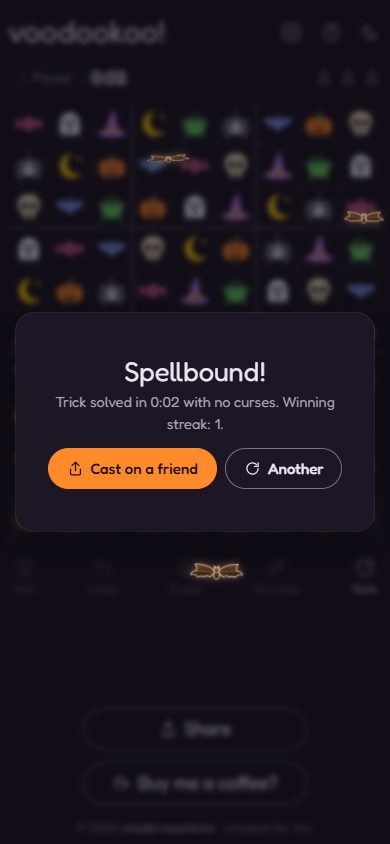
| Any win | The Spellbound! card, with the level, time, curses and winning streak. Three bats fly out from it and hover around it until the player moves on. |
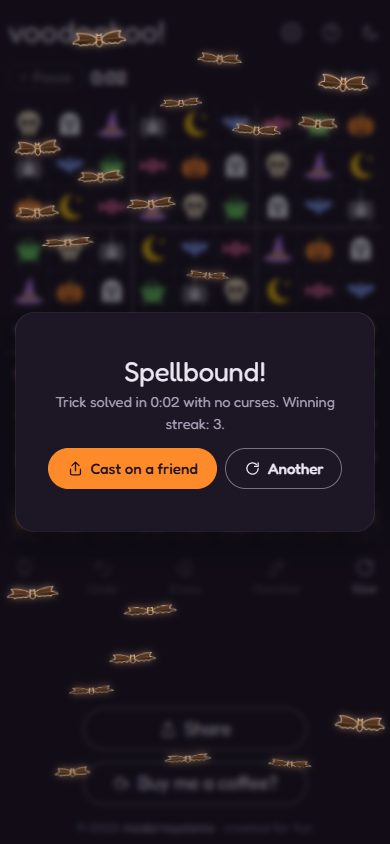
| 3rd, 6th, 9th win in a row | A swarm of about twenty bats instead of three (any multiple of 3 that isn't a tenth), hovering the same way. |
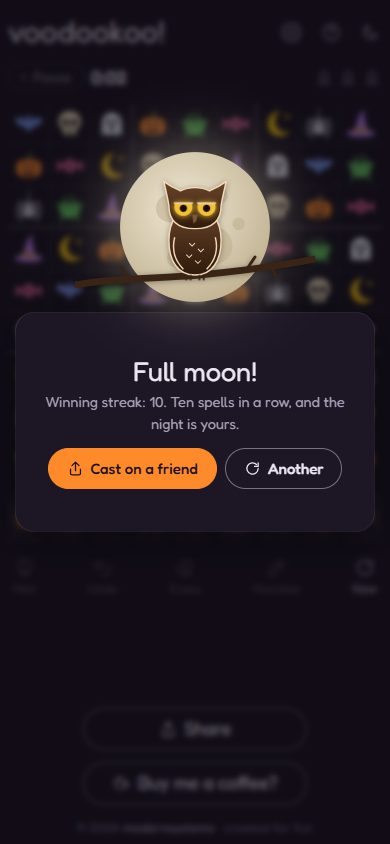
| 10th, 20th win in a row | The full moon rises and glows, with the owl on a branch blinking every few seconds; no bats. "Ten spells in a row, and the night is yours." |
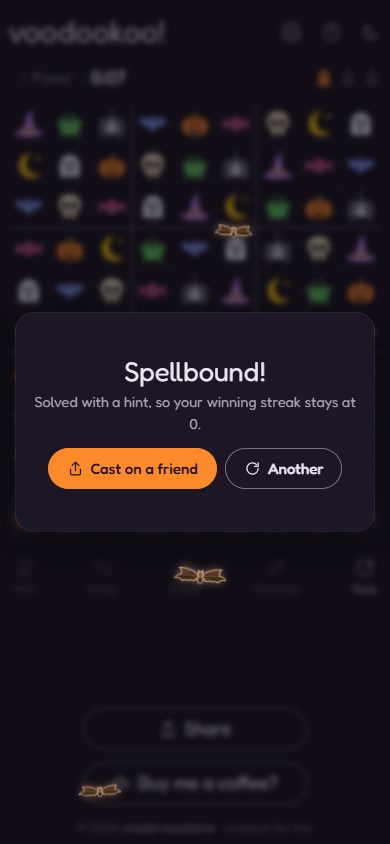
| A win with a hint | The three bats, but the streak doesn't grow. |
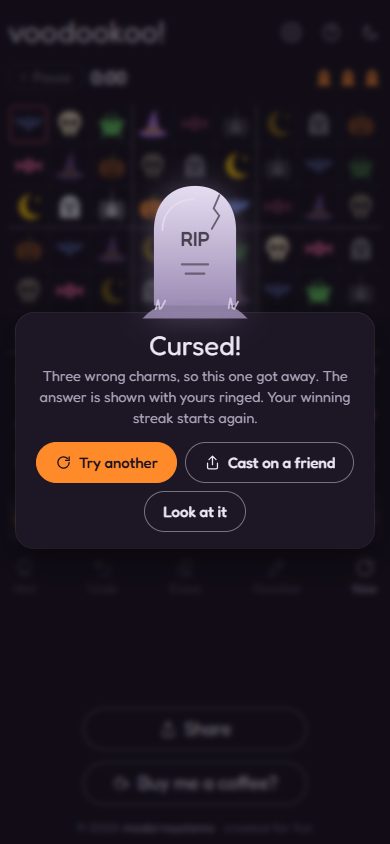
| Third wrong charm | The board shakes and a softly glowing tombstone rises over the Cursed! card. The streak starts again. |
| Opening the home page | A faint ghost drifts across once, a couple of seconds in. |
Whether there were curses makes no difference to the bats: a win with no curses gets the same three bats as any other. Everything stays on screen until the card is closed. With the phone's Reduce Motion setting on, every effect is a gentle fade with nothing moving, and the ghost stays away.
First visit
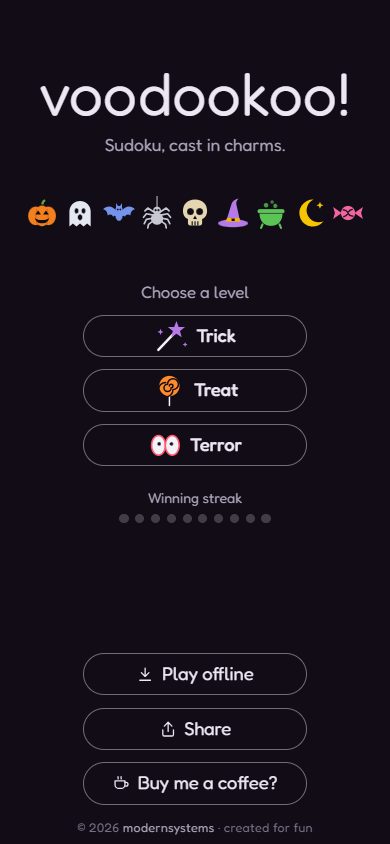 1
1The home page
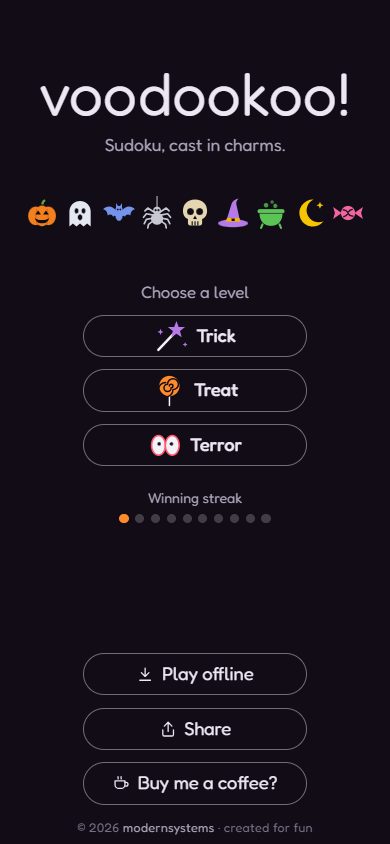
The nine charms parade across the top. The player chooses a level: Trick (easy), Treat (medium) or Terror (hard). Below: the winning streak (ten dots, none lit yet), Play offline (install it to the phone), Share and Buy me a coffee?. A couple of seconds after opening, a faint ghost drifts across once.
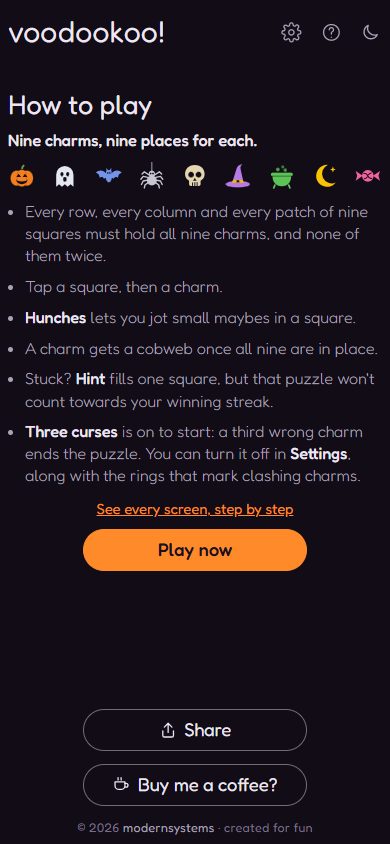 2
2How to play (first time only)
The very first game opens with How to play: one of each charm in every row, column and box; tap a square then a charm; Hunches for pencil marks; Three curses is on to start. Play now closes it. It never opens by itself again (the ? button brings it back).
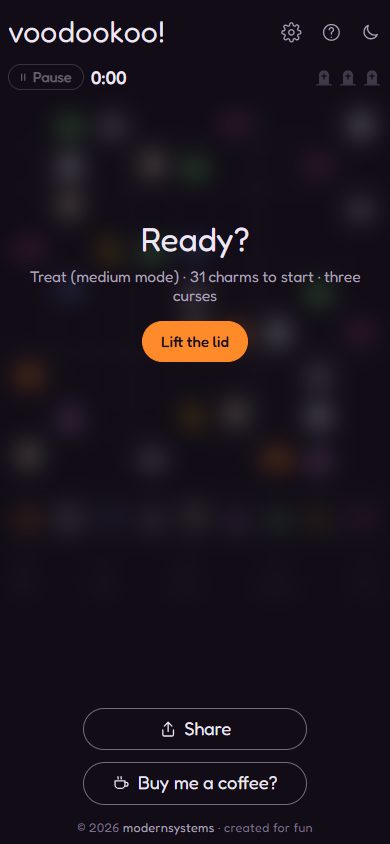 3
3Ready? Lift the lid
Each puzzle is made fresh on the phone, with exactly one solution. The board stays covered (so the clock is fair) until the player taps Lift the lid. The card says the level and how many charms are given.
Playing
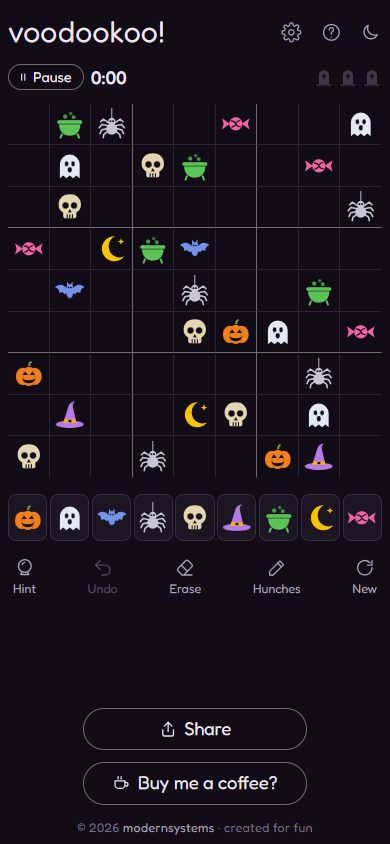 4
4The board
The clock starts. Top: home, the level, the three little tombstones for curses, Pause and the clock. Below the grid: the nine charms to place, and the tools: Undo, Erase, Hunches, Hint, New puzzle.
 5
5Choosing a square
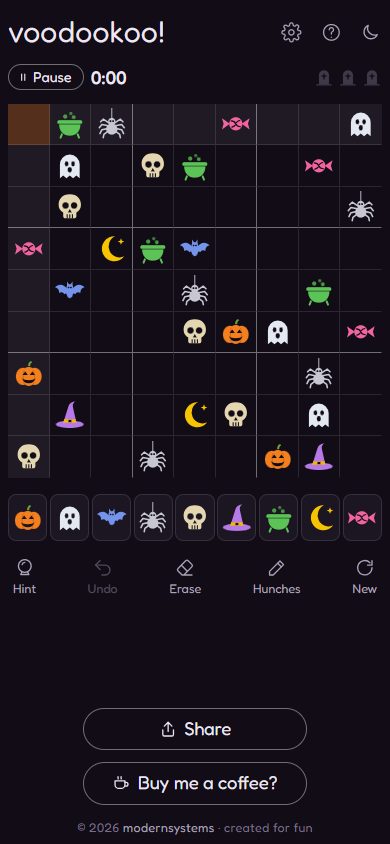
Tapping a square highlights it, with its row, column and box shaded so the player can see what it must not repeat.
 6
6Placing a charm
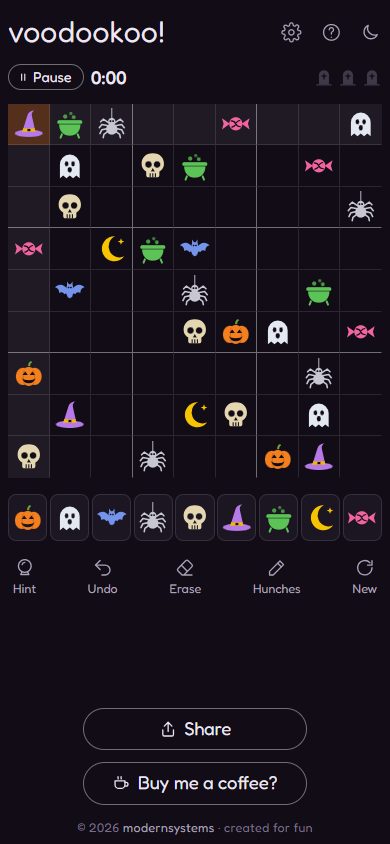
Tapping a charm puts it in the square. The game never says right or wrong for a correct charm: it just sits there.
 7
7Hunches
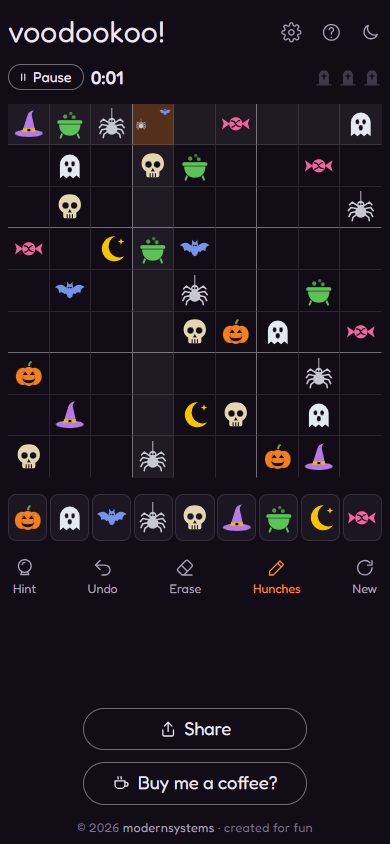
With Hunches on, charms go in small, as pencil marks: the player notes the candidates for a square. Tap Hunches again to go back to placing charms.
 8
8A wrong charm: Curse 1 of 3
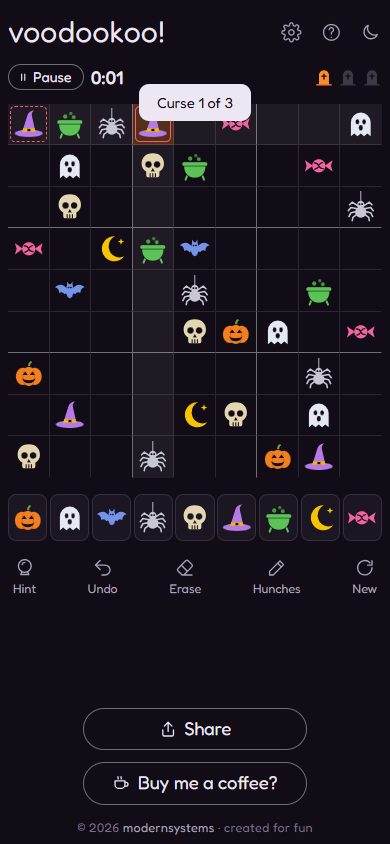
With Three curses on, a wrong charm is a curse: "Curse 1 of 3" appears and the first tombstone at the top lights. The wrong charm and the one it clashes with are ringed. Curses can be turned off in Settings, and so can the rings.
Stuck or interrupted
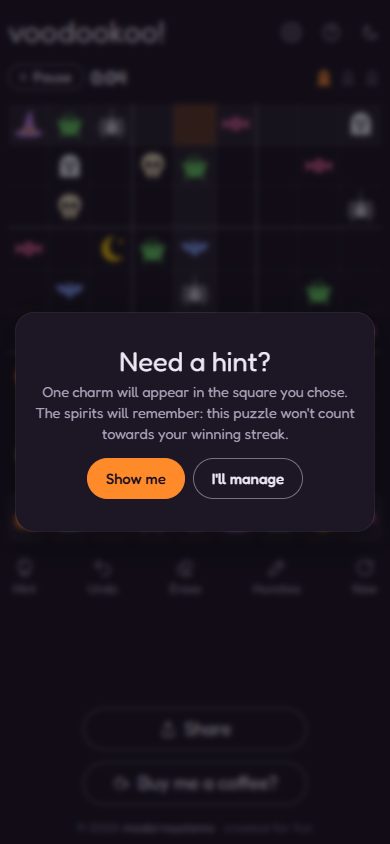 9
9Need a hint?
Hint fills in the chosen square, but asks first: a puzzle solved with a hint does not count towards the winning streak.
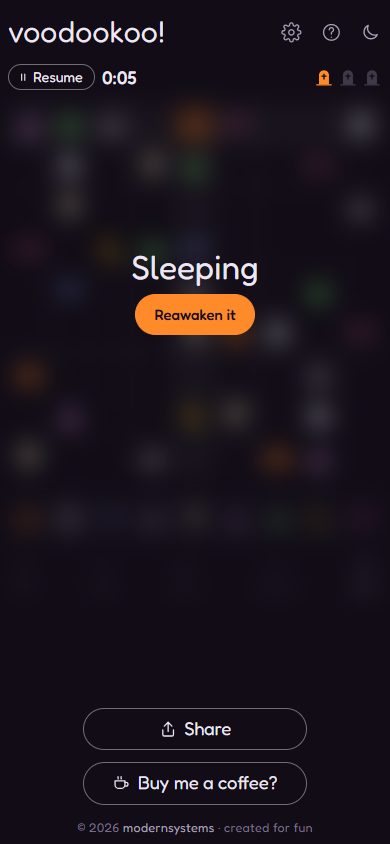 10
10Sleeping (paused)
Pause covers the board and stops the clock; Reawaken it carries on. Going home, switching apps or reloading does the same: the puzzle is saved and waits, asleep.
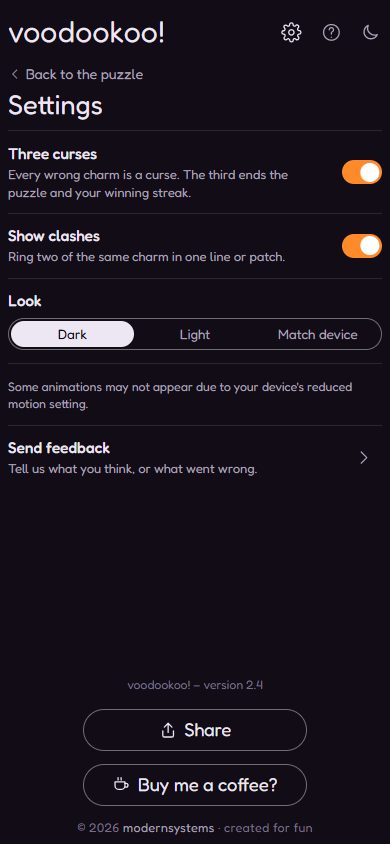 11
11Settings
Look (dark, light or the phone's own), Three curses, the clash rings, Send feedback, Share and Buy me a coffee?.
Winning
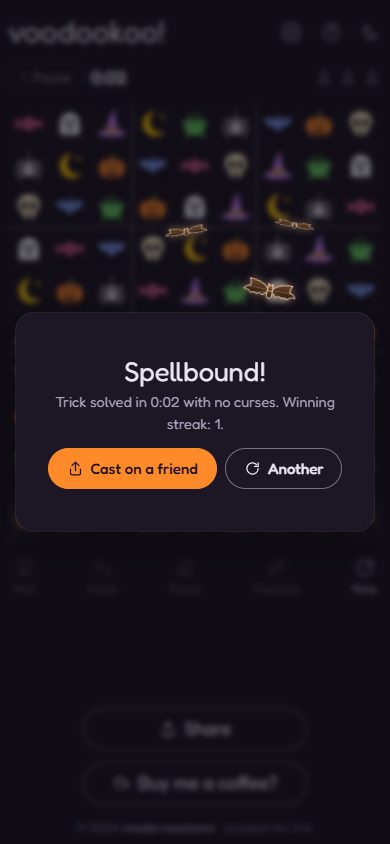 12
12A win: three bats
As the Spellbound! card appears, three bats burst out of it and fly out to the space around it, over about three seconds.
 13
13Spellbound!
Every win: Spellbound!, the level and time, "with no curses" (or how many) and the winning streak. The bats hover and flap around the card until the player moves on. Cast on a friend shares this exact puzzle; Another starts a new one.
 14
14Home, after a win
Back home, the first of the ten streak dots is lit. The dots fill towards the next tenth win, when the owl comes out.
 15
15Every third win in a row: the swarm
At streaks of 3, 6, 9, 12 and so on, about twenty bats swarm out of the card instead of three, and hover around it. This is the big bat moment; other wins get three.
 16
16Every tenth win in a row: the full moon
At 10, 20, 30... the full moon rises and glows, with the wise owl on a branch across it, blinking every three and a half seconds (no bats). The card says "Ten spells in a row, and the night is yours." The scene stays until the card is closed.
 17
17Solved with a hint
Spellbound!, with the three bats, but the streak stays where it was, because a hint was used.
Losing
 18
18Three curses: Cursed!
The third wrong charm ends the puzzle: the board shakes, a softly glowing tombstone rises above the card, and the streak starts again. Try another, Cast on a friend (dare them to do better), or Look at it.
 19
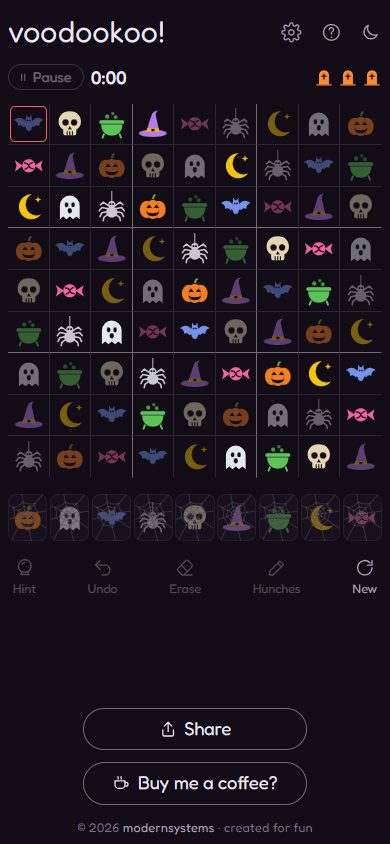
19Look at it
The answer is shown, with the player's wrong charms ringed, so they can see where it went wrong.
Taking it with you
 20
20Play offline
Play offline installs Voodookoo to the home screen like an app, so it opens with no signal. On Android Chrome it uses the browser's own install prompt; elsewhere this card explains the steps (iPhone: Share, then Add to Home Screen).
 21
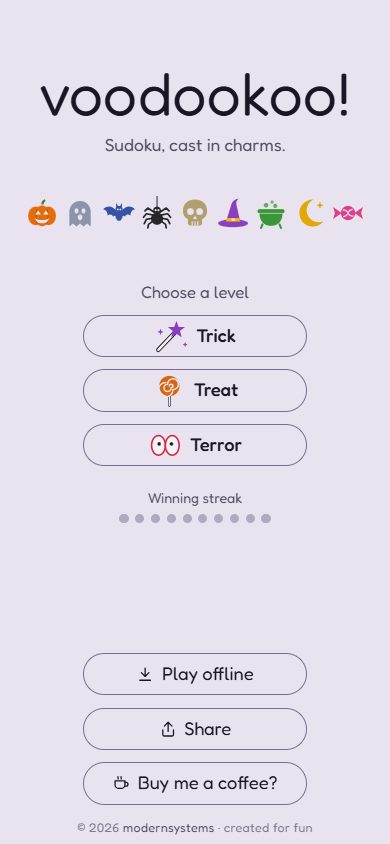
21Light look
The same home page in the light look, chosen in Settings or following the phone.